Our free tool helps you Convert Hex to RGB color codes instantly, making your web design workflow smoother. While Hex codes are great for copy-pasting, you often need RGB values to add transparency or for specific CSS requirements. Just enter your Hex code, and get the accurate RGB numbers in a split second.
Free online convert Hex to RGB
#34D399
rgb(52 211 153)
| Code | Value | HTML/CSS |
|---|
Why Do You Need to Convert Hex to RGB?
Hexadecimal (Hex) and RGB (Red, Green, Blue) are just two different ways to describe the exact same color to a computer. However, there is one major reason why developers often need to switch from Hex to RGB: Opacity.
Standard Hex codes (like #FF5733) don’t easily allow you to control transparency. If you want to make a background color 50% transparent in CSS, you need to use the rgba() format (e.g., rgba(255, 87, 51, 0.5)). Our tool gives you the raw RGB numbers you need to unlock that alpha channel power.
Hex vs. RGB: What’s the Difference?
- Hex (#RRGGBB): This is a 6-digit alphanumeric code used primarily in HTML and CSS. It’s compact and easy to copy-paste.
- RGB (R, G, B): This defines color by mixing Red, Green, and Blue light values from 0 to 255. It is the core language of how screens display color.
How to Use This Converter
- Enter Hex: Paste your Hex code (with or without the
#symbol) into the input box. - View Result: The tool instantly calculates the Red, Green, and Blue values.
- Copy: Click to copy the RGB string directly to your clipboard for use in your stylesheet.
Frequently Asked Questions
Yes. In CSS, you format it like this: color: rgb(255, 0, 0);. If you need transparency, use rgba(255, 0, 0, 0.5);.
Absolutely. The conversion is a direct mathematical translation. For example, the Hex pair FF equals the decimal number 255. Our tool performs this calculation perfectly every time.
More Free Color & Design Tools
If you found this converter helpful, check out our other free tools to speed up your workflow:
- Glassmorphism CSS Generator: Now that you have your RGB values, use them to create stunning frosted-glass effects with transparency.
- Color Palette Generator: Stuck on a color scheme? Generate beautiful color combinations for your next project instantly.
Check Our Blogs
- Canva vs Adobe Express: Which Is Better for Serious Brand Growth in 2026?

- Create a Spray Text Effect in Photoshop (4 Easy Steps)
- Wix vs Framer — A Designer’s Honest Comparison
- Create a Radial Burst Pattern in Illustrator (in 4 Easy Steps)

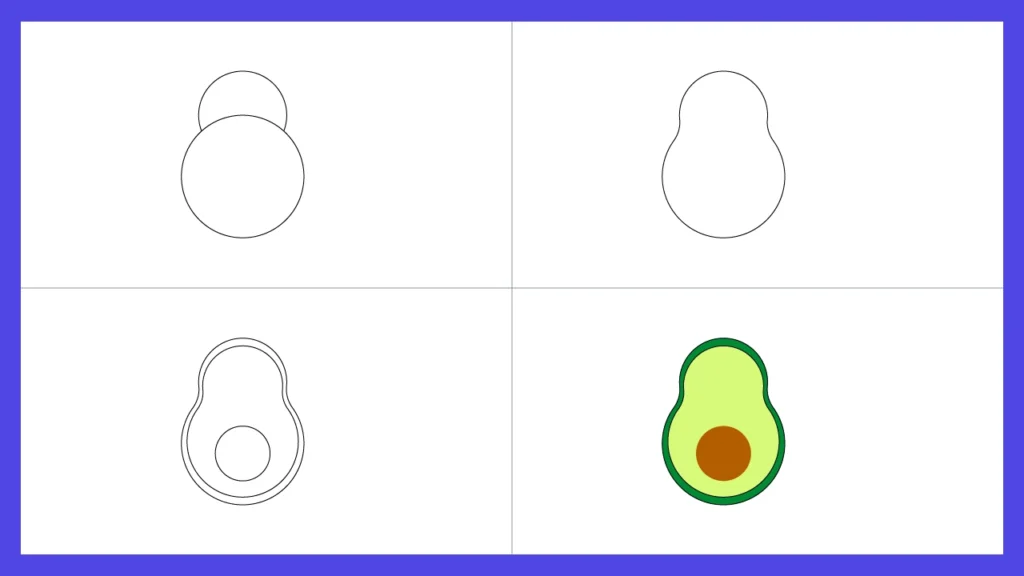
- How to create flat avocado in illustrator in just 4 steps
- Figma vs Framer: Best Tool for Designers
- Freepik vs. Midjourney: The Ultimate Guide for Creators (2026)
- Will AI Replace UX Designers? The 2025 Guide